AI whiteboard animation maker
Whiteboard animation, drawn for you
Classic whiteboard animation takes an artist hours per minute of video. VideoCraftz does it with AI: your script is split into scenes, each scene is drawn line by line in time with the voiceover, and key words are underlined with a highlighter as they are spoken. Prefer a darker look? Switch the same video to a chalkboard in one click.
2 free videos · no card needed
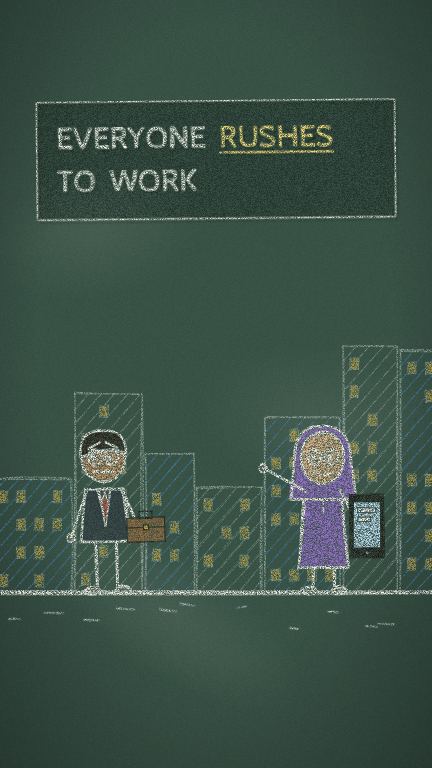
Chalkboard style 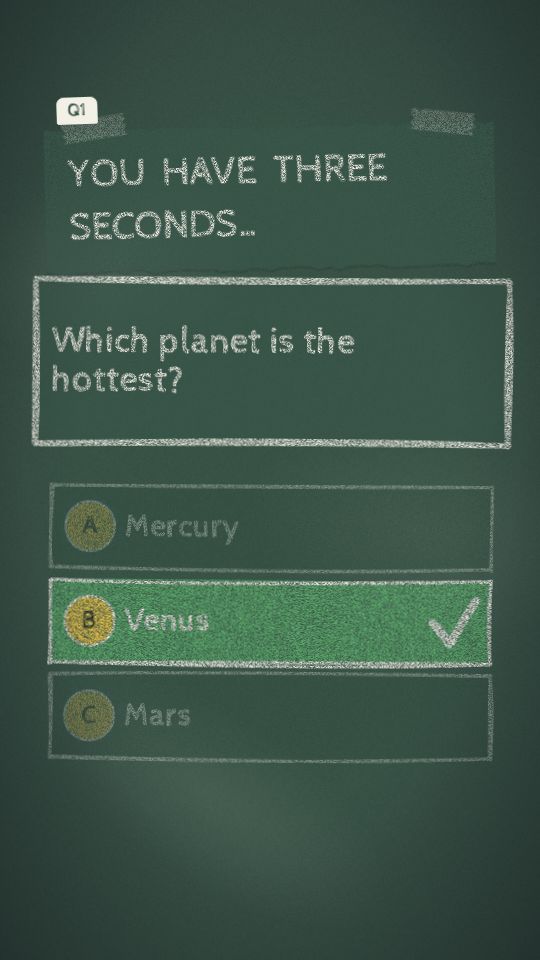
A chalkboard quiz with a reveal 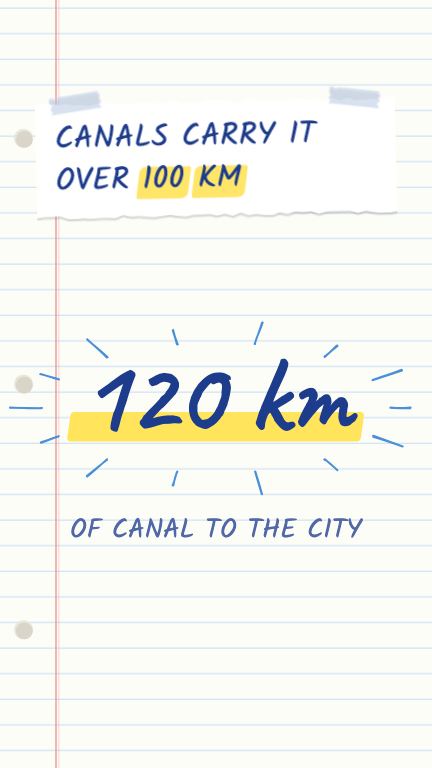
Notebook style with a big number
Why creators use VideoCraftz as their whiteboard animation maker
Lines that draw themselves
With Pro motion every stroke animates on as if a marker were drawing it, and pictures are coloured in by a scribbling pen.
Whiteboard, chalkboard, notebook
Clean paper, a green chalkboard with light chalk lines, or lined notebook paper. Same story, different board.
Built for teaching
Steps, timelines, charts, maps and quizzes make lessons and how-tos easy to follow.
Voice and captions included
A natural AI voice (or your own) with captions that type in word by word.
How it works
- 1Paste a script or type a topic
- 2Scenes draw themselves to the voice
- 3Export for YouTube, Reels or class
Questions
What is the difference between whiteboard animation and a doodle video?
They overlap a lot. Whiteboard animation usually means drawings appearing line by line on a white surface; doodle video means the casual hand-drawn style. VideoCraftz does both: the drawing-on effect and the doodle look.
Can I use my own script?
Yes. Paste your own narration in the Script step and VideoCraftz storyboards it word for word, or let the AI write one from your topic.
Is it good for teachers and online courses?
Yes. Step-by-step, timeline, chart, map and quiz scenes are made for explaining, and you can export 16:9 for YouTube or slides as well as vertical reels.
Can I export whiteboard videos in 16:9?
Yes. Every video exports as 9:16, 4:5, 1:1 or 16:9 MP4, and you can switch format at any time before rendering.